


Meet
Kanvas Studio

Your brand.
Ready for every campaign.

Built by Qualls for on-brand campaigns. Design protected templates your team can personalise, check and export.

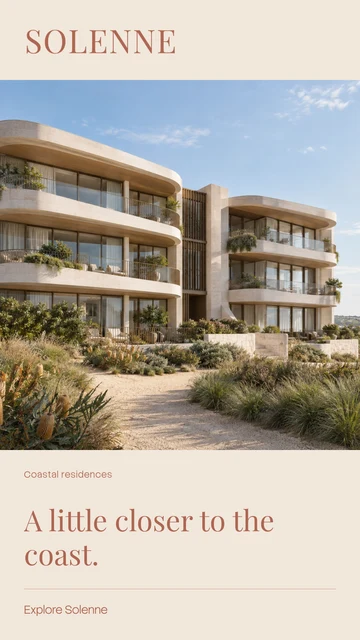
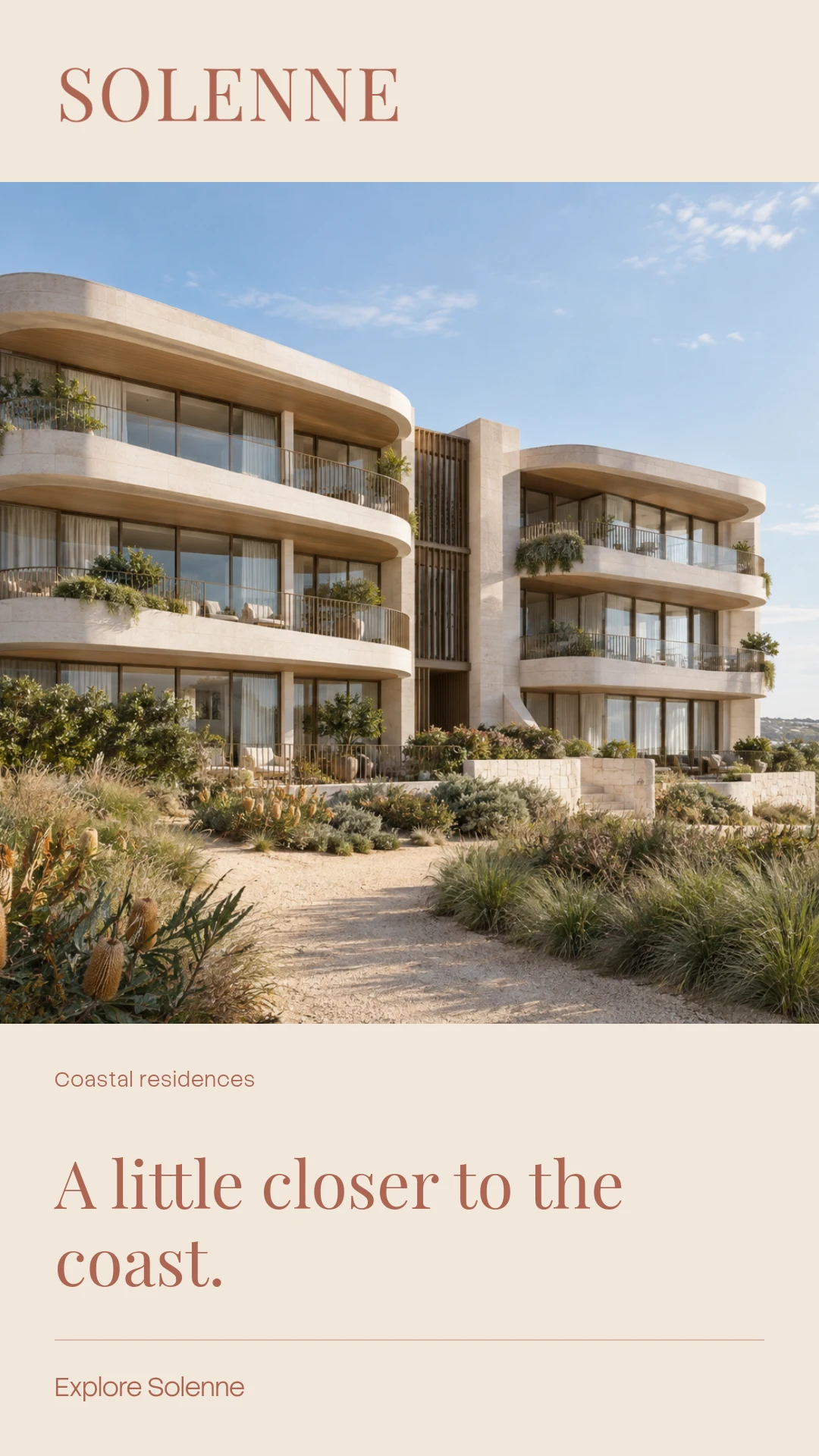
Solenne story creative.Story · 1080 × 1920
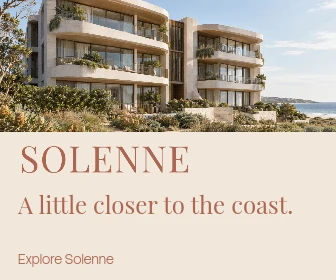
Solenne large rectangle display ad.Display · 336 × 280
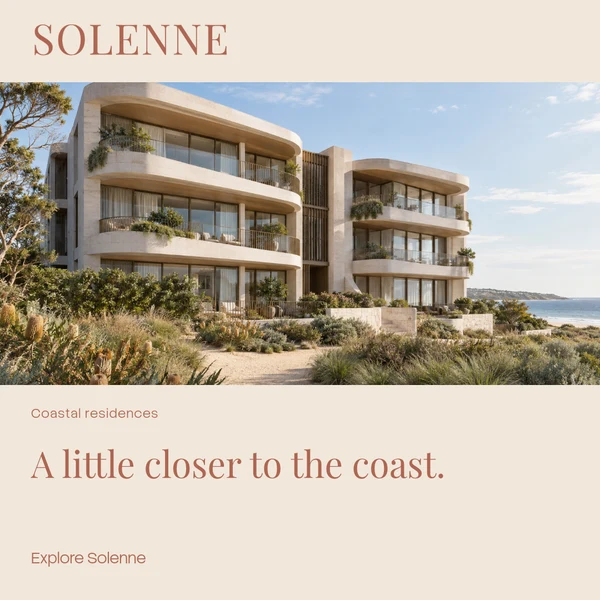
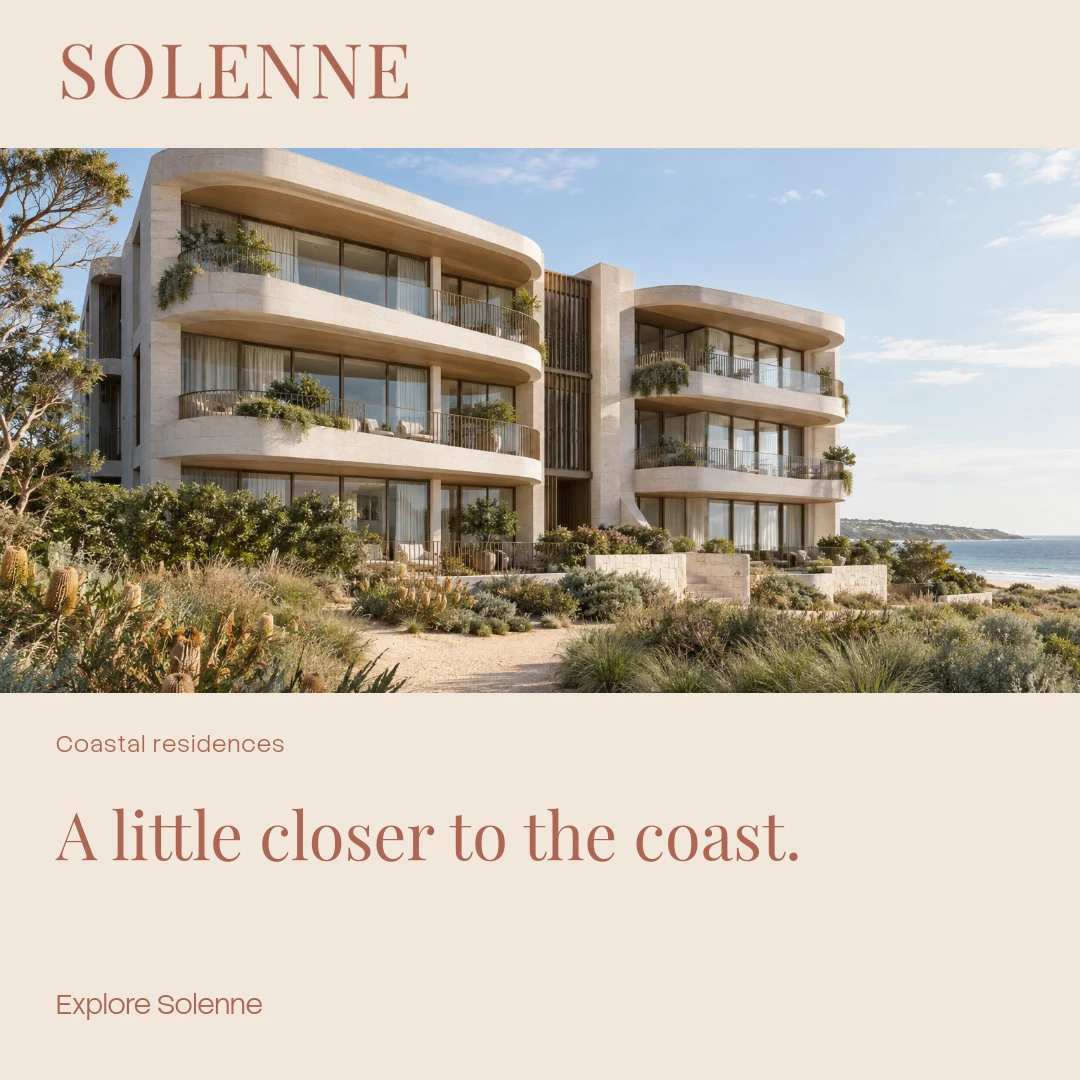
Solenne square social creative.Square · 1080 × 1080
Solenne leaderboard display ad.Leaderboard · 728 × 90
Layout protected Master
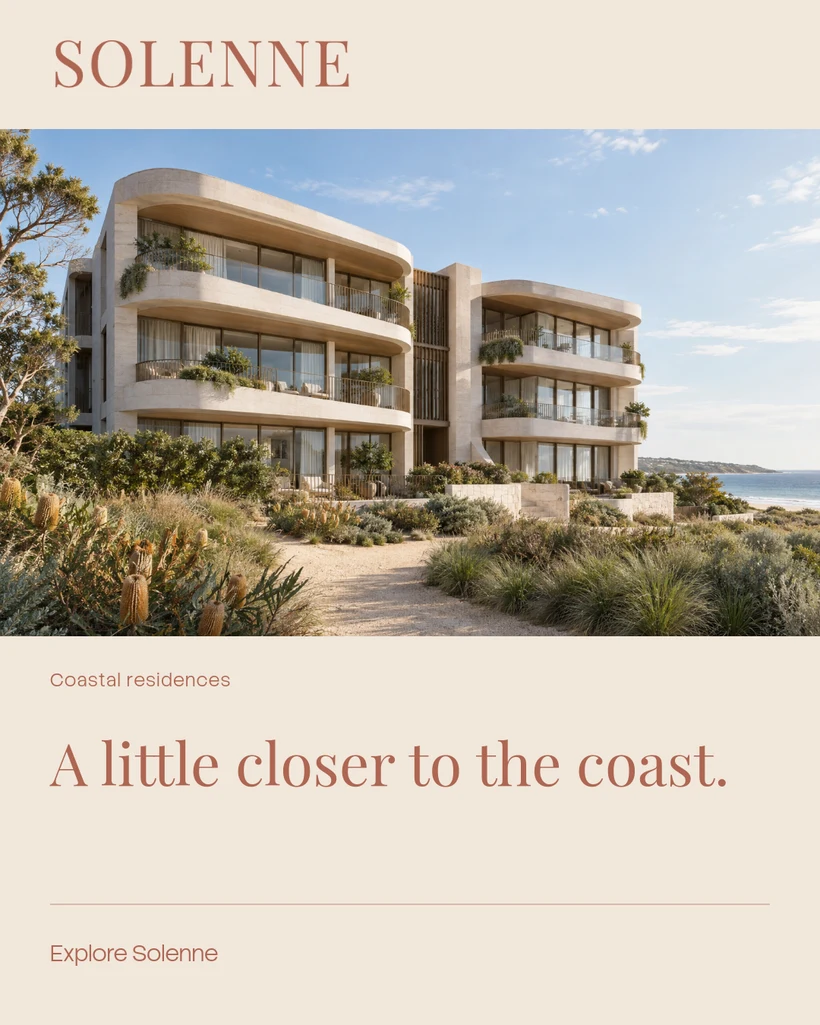
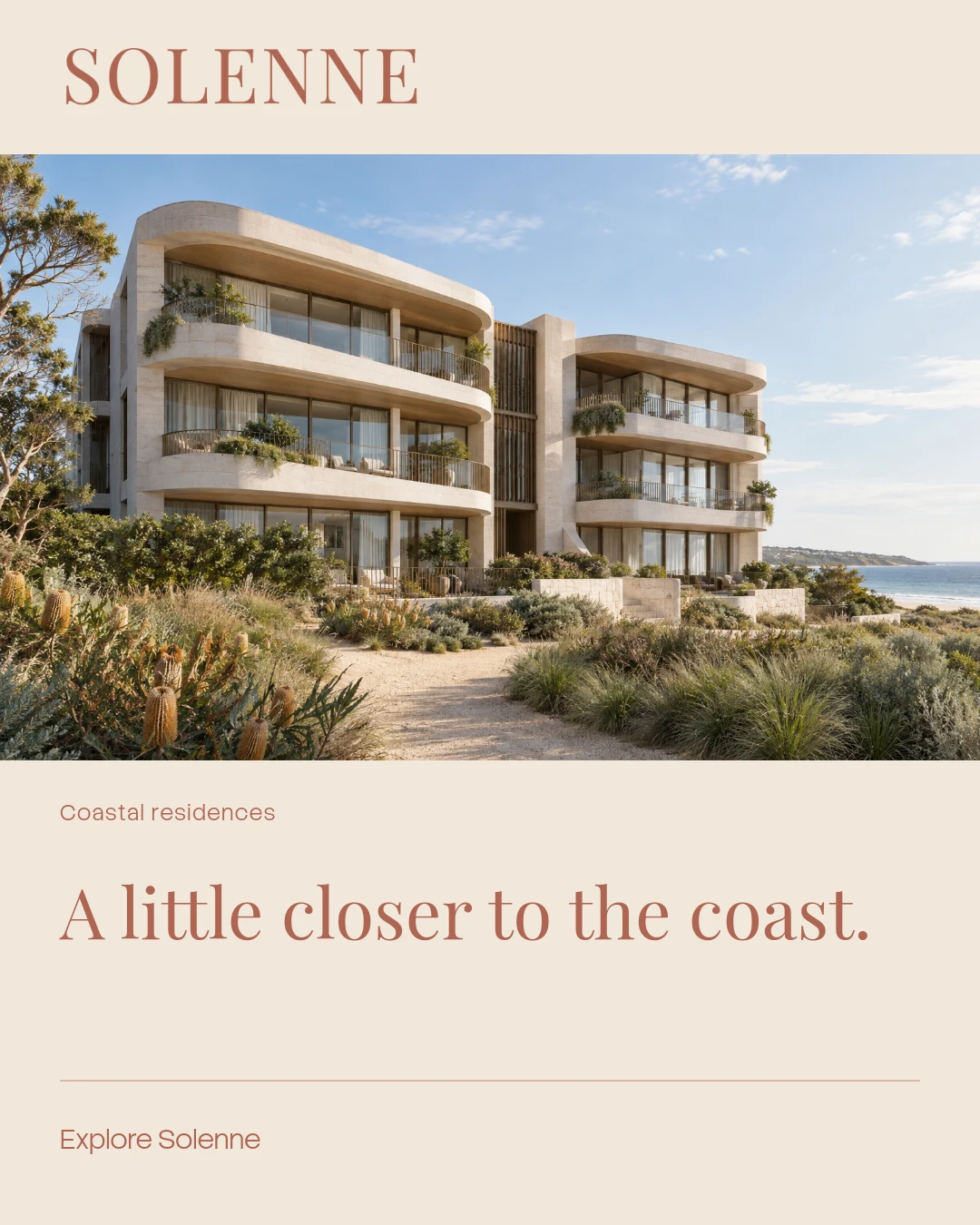
Solenne master portrait campaign.Master portrait · 1080 × 1350

The design stays yours.
The everyday edits become theirs.

We built Kanvas Studio as an extension of our Kanvas CMS build, bringing protected design and controlled editing into campaign production.

For marketing teams, property groups and brands with many locations, frequent updates should feel straightforward. Designers establish the visual system. Your team works with the content it is allowed to change.

  1. 01 / DESIGN

    Make the master.

    Set the layout, typography and creative sizes. Choose editable fields, approved assets and text limits.

  2. 02 / PUBLISH

    Give it a version.

    Review every size and publish a template. Existing campaigns keep the version they were created with.

  3. 03 / PERSONALISE

    Let the team in.

    Change permitted wording and images. Hide optional content, then restore it without losing the original.

  4. 04 / CHECK

    Ready the campaign.

    Check content and text fit across all designed sizes. Review, approve and export the files you need.

One design system.
Two clear ways to work.

The full composition tools for the designer. A focused content editor for everyone keeping the campaign current.

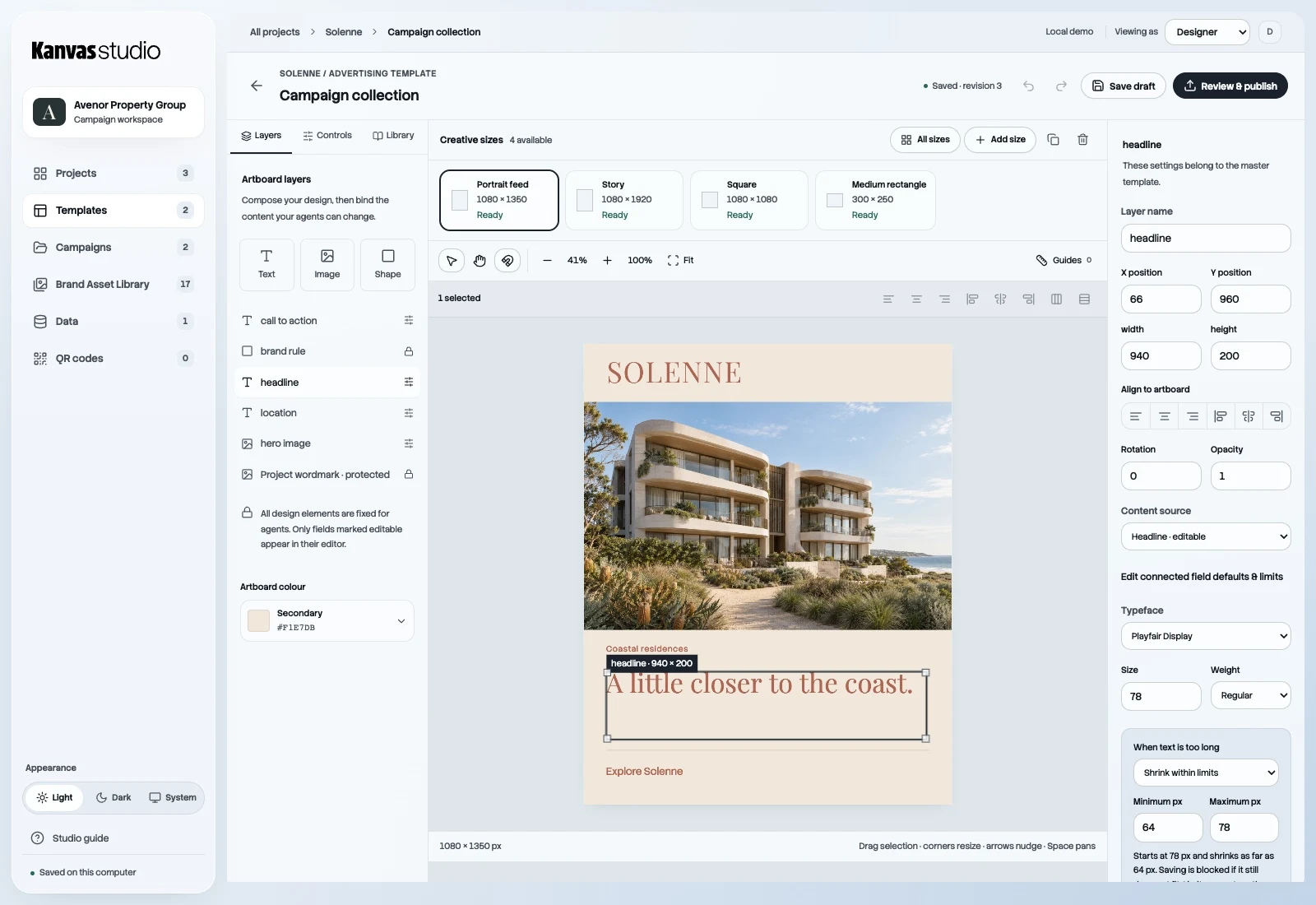
Kanvas Studio designer view with editable layers, separate creative size tiles, canvas guides and selected text settings.
For the designer. Compose with layers, guides, image masks and effects. Define exactly where your team can edit.
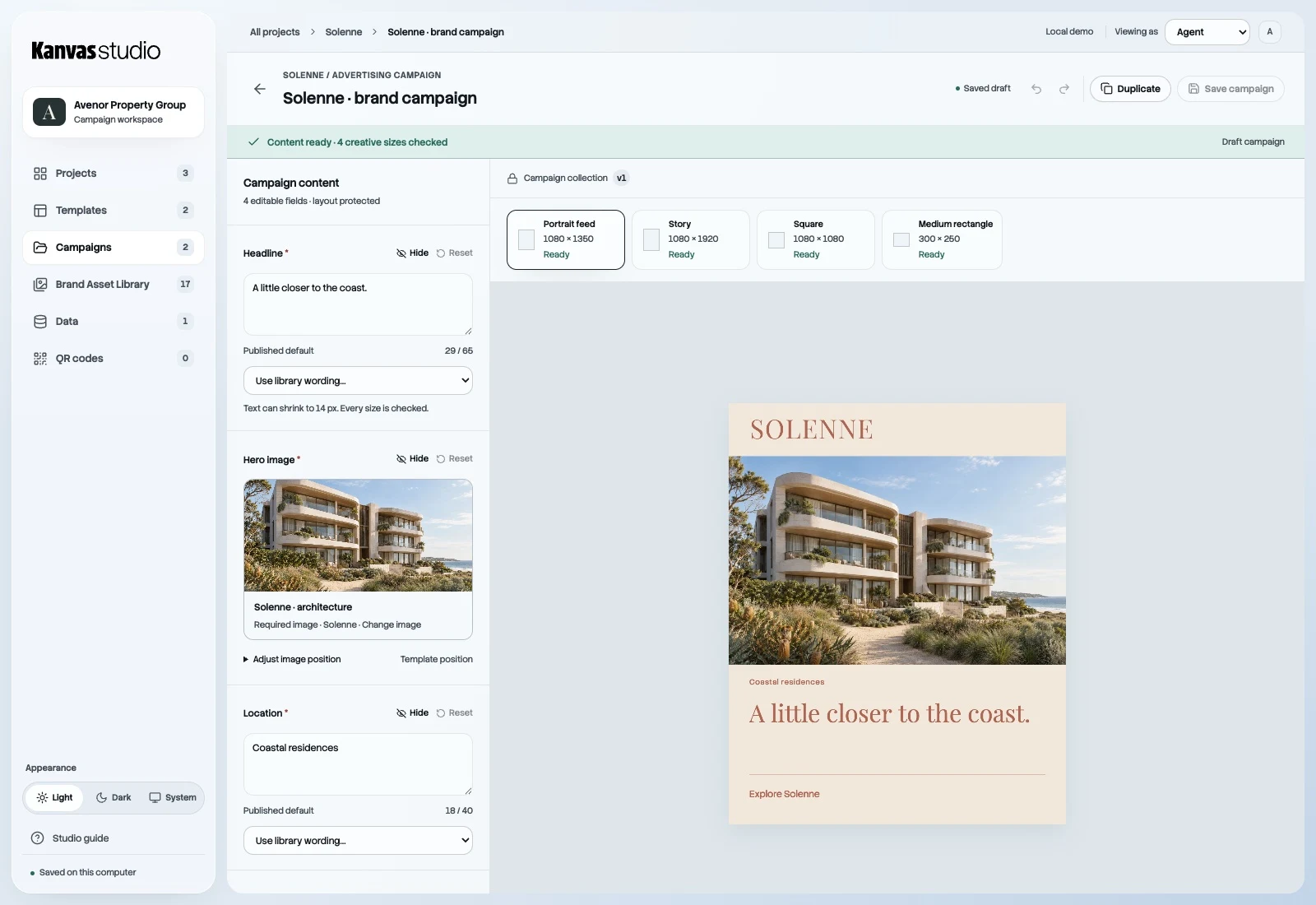
Kanvas Studio team view with permitted headline and image fields alongside the protected fictional Solenne campaign preview.
For the team. Approved content choices, image positioning and clear checks. The master layout stays protected.

Separate artboards. Shared content. Each creative size is designed for its placement. Content carries across the family; the composition stays considered.

View the size family

The Solenne size family

One campaign. Nine compositions, each designed for its placement.

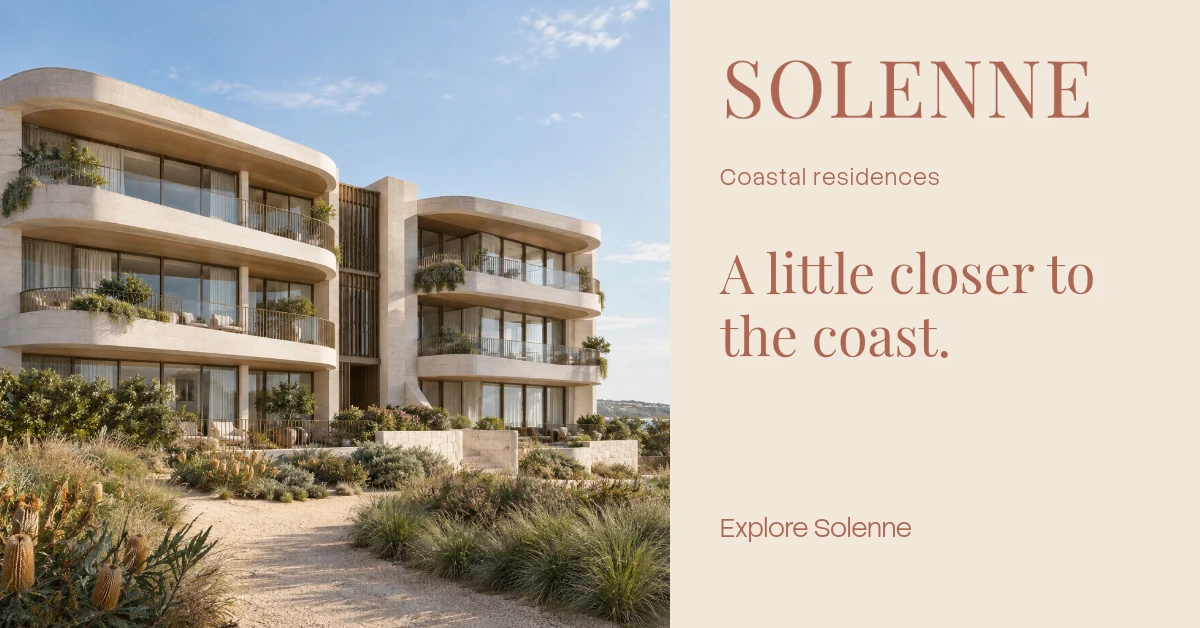
Solenne portrait feed creative.
Portrait feed1080 × 1350 px
Solenne story creative.
Story1080 × 1920 px
Solenne square creative.
Square1080 × 1080 px
Solenne landscape creative.
Landscape1200 × 628 px
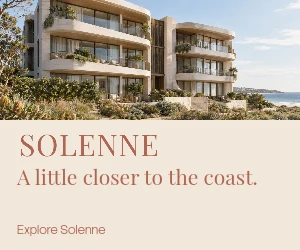
Solenne medium rectangle creative.
Medium rectangle300 × 250 px
Solenne large rectangle creative.
Large rectangle336 × 280 px
Solenne leaderboard creative.
Leaderboard728 × 90 px
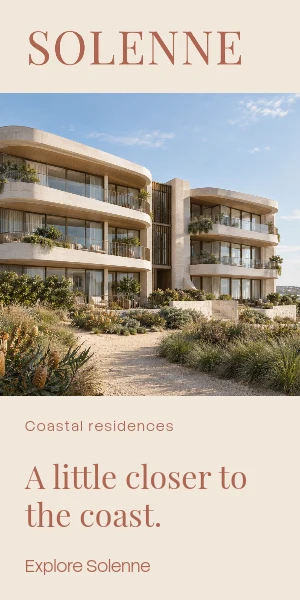
Solenne half-page creative.
Half-page300 × 600 px
Solenne mobile banner creative.
Mobile banner320 × 100 px

Every brand.
All its building blocks.

A library your team can actually use.

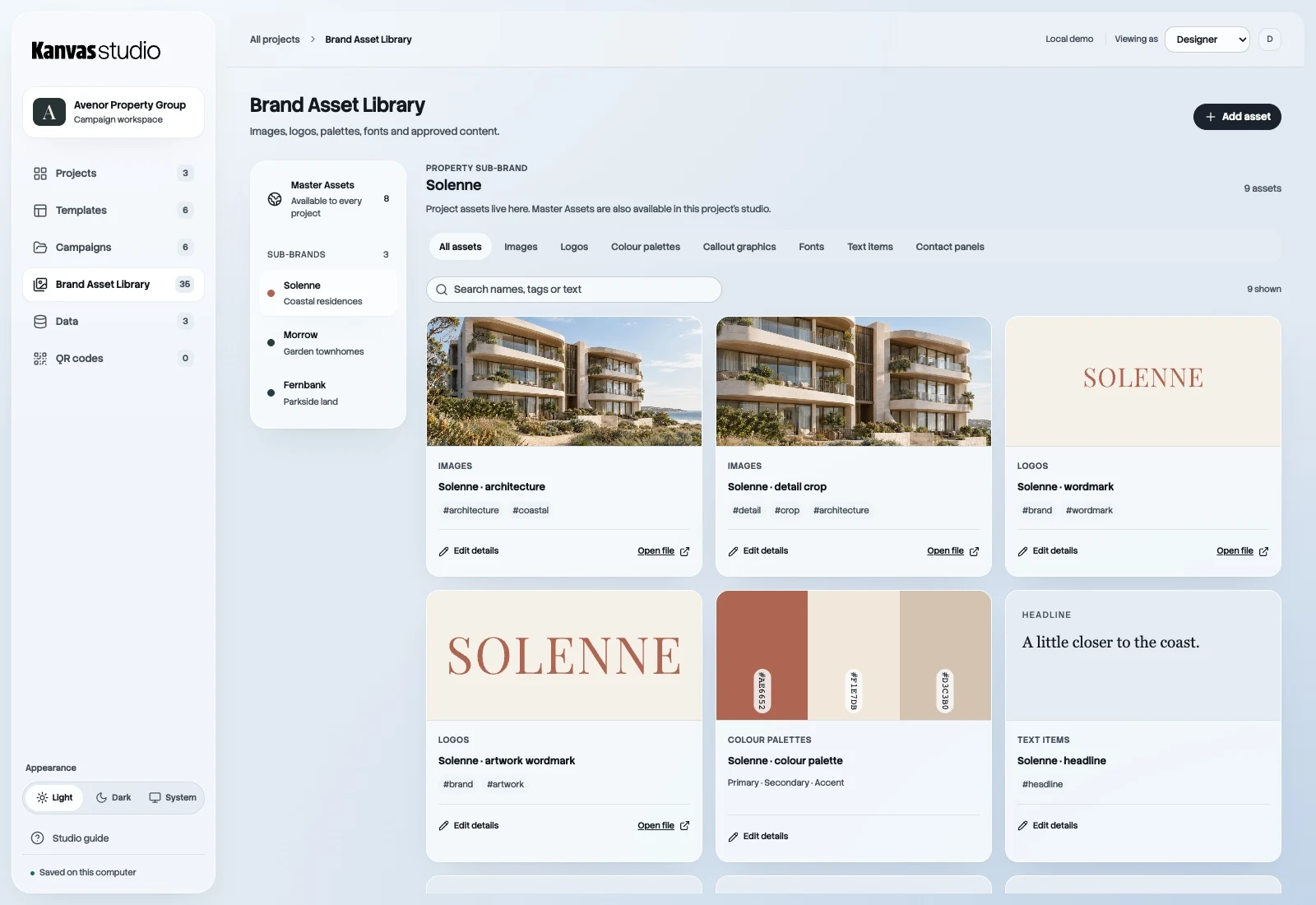
Share approved logos, fonts and legal wording across your organisation. Each sub-brand keeps its own imagery, logo, colours and campaign content, with categorised wording and reusable contact panels close at hand.

Choose approved content visually, then bring it into the right templates.

Explore the library screen
Avenor Brand Asset Library, with shared Master Assets and distinct Solenne, Morrow and Fernbank sub-brands.
Shared resources. Distinct brand identities.
Avenor is the master brand, sharing logos, fonts and legal wording. Its example sub-brands Solenne, Morrow and Fernbank each retain their own logo, colours, imagery and campaign content.
One master brand. Your own brand structure. Sub-brands can be properties, as shown here, or products, locations, divisions — or any other structure customised to the way your team works.

Change the differences.
Keep the rest.

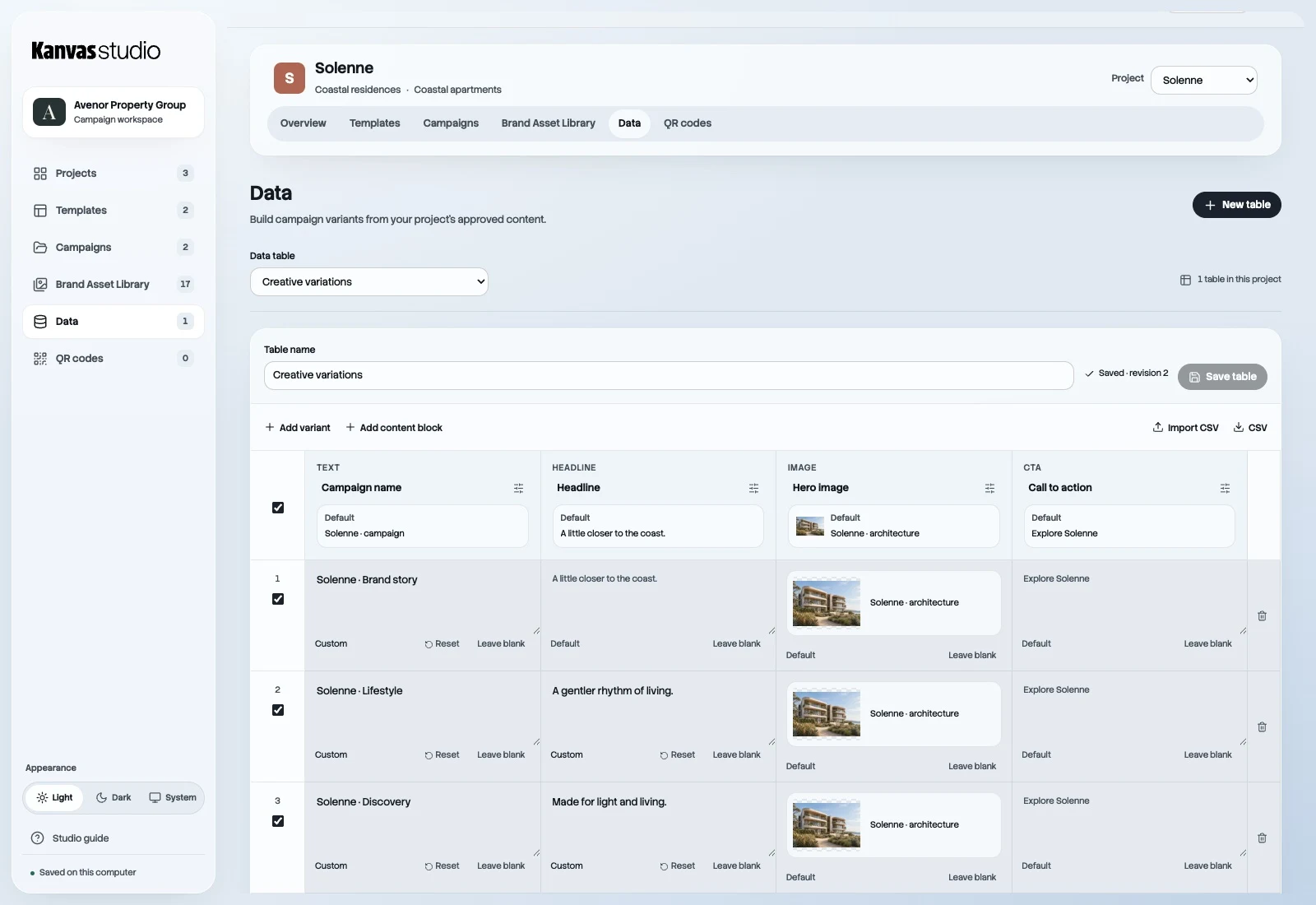
Start with content blocks. Add variants for another location, offer or audience. Create the campaigns together.

The Data workspace showing content blocks and campaign variants with inherited defaults and editable differences.
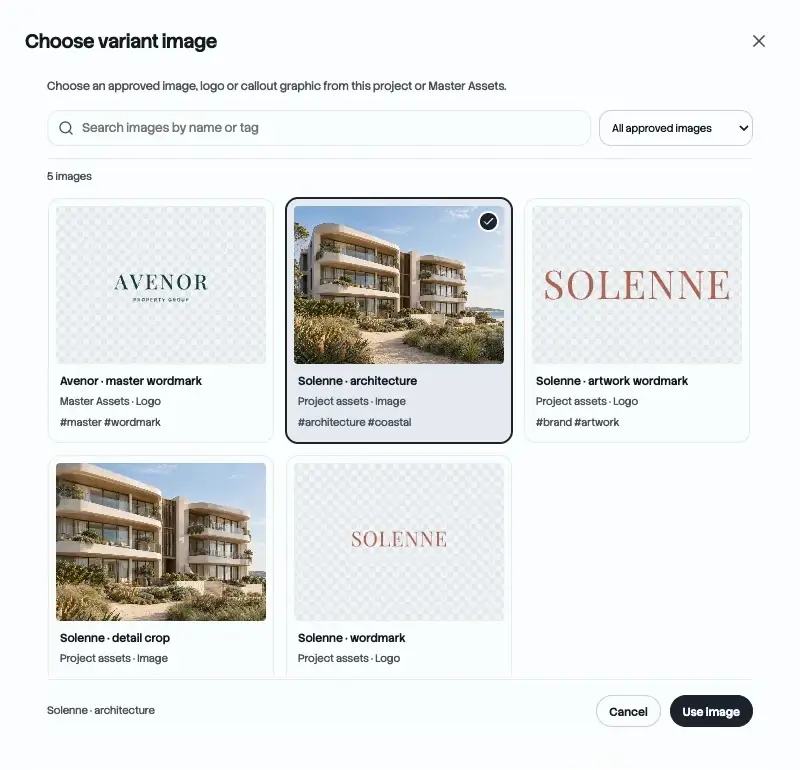
A visual chooser for approved project and Master library images.
Choose the image. Keep the connection.

Defaults that do the work. Each block starts with saved content. Change only what is different, or reset a variant to its default.

Checks before the batch. Template connections, required content and text fit are checked before campaigns are created and selected sizes are exported.

More of the campaign.
Less moving between tools.

The practical parts of creating, checking and preparing creative, connected in one workspace.

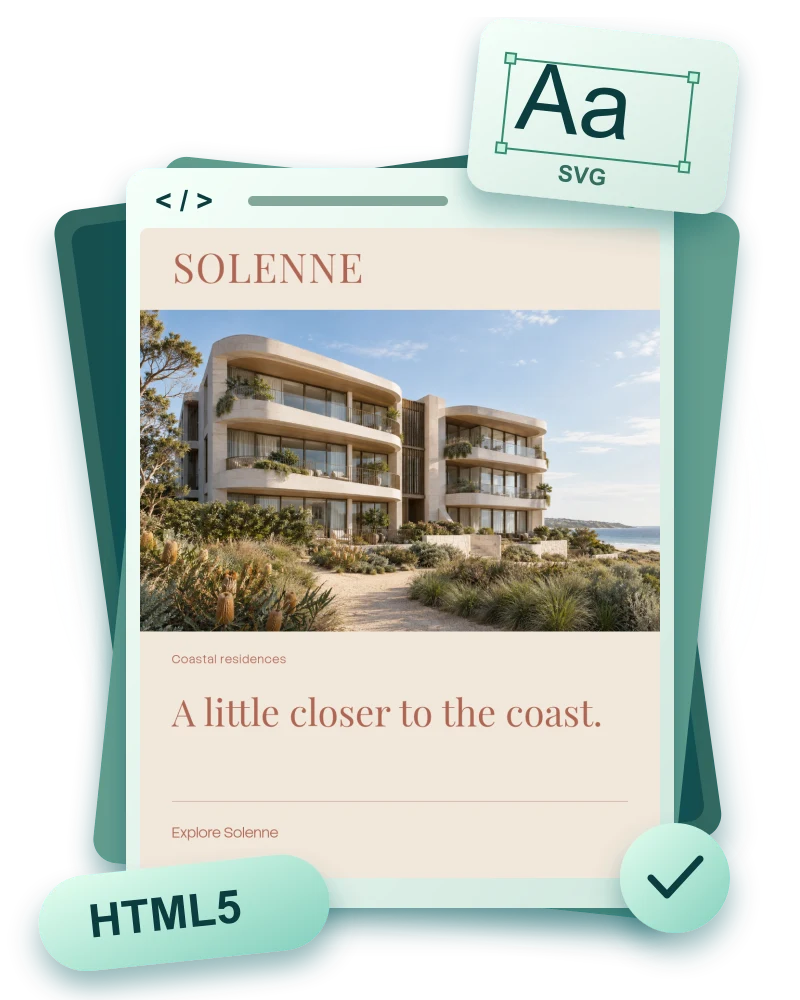
A Solenne display creative with an HTML5 code symbol and vector lettering.

HTML5 ads.
Sharp at every edge.

Text becomes vector outlines. Uploaded SVG logos keep their vector paths. Photos are optimised for the selected package budget.

Both ZIP and uncompressed asset sizes are checked before download. Packages that remain over budget are blocked.

One library.
Distinct identities.

Master Assets and sub-brands keep the right words, imagery, colours and reusable contact details close to the work.

Protect the design.
Check the wording.

Set permitted fields and minimum type sizes. Text-fit checks run across every artboard before publication, approval and export.

One content set.
Many campaigns.

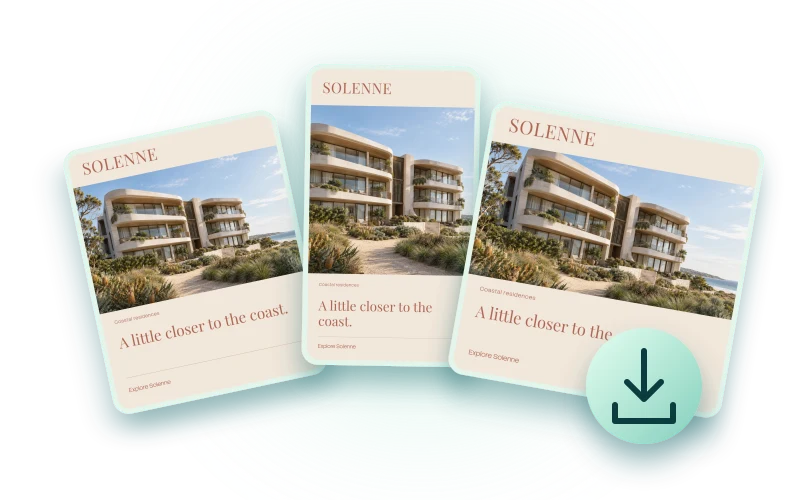
Build variants from approved content blocks, create campaigns in a batch and export selected sizes together.

Codes with
a next step.

Create QR artwork, update tracked destinations and review redirect activity. Public tracking is configured as part of hosting.

Templates move forward.
Existing campaigns stay intact.

Published template versions are preserved. Campaign reviews and approval status keep the team clear on what is ready; later content edits return a campaign to draft.

Built around
your workflow.

The core is built. Your setup is specific.

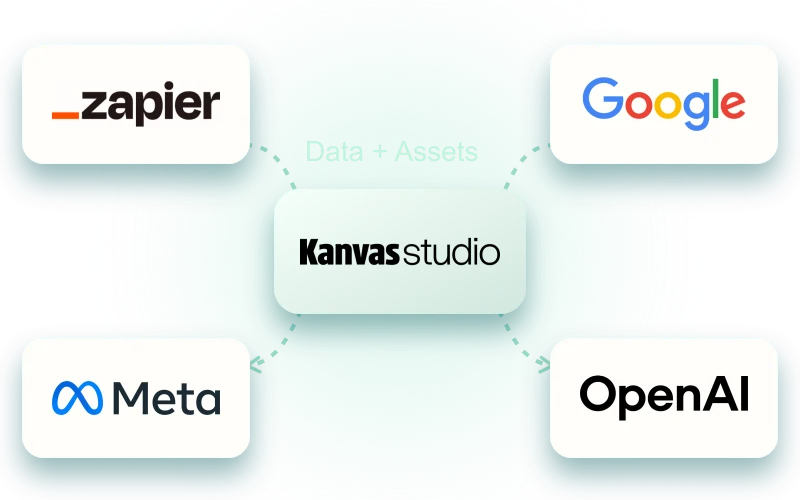
We can scope branded shortlinks and domains, stock feeds, connected reporting and integrations with Zapier, Google Analytics, Meta and OpenAI.

Production access, connected accounts and Cloudflare edge deployment are configured for your organisation. They are tailored setup and extension work, agreed alongside your templates and rollout.

Kanvas Studio with Zapier, Google, Meta and OpenAI marks, illustrating available integration options.

Connect the tools that earn their place.

Fictional property brands used with demonstration creative. Any resemblance to existing locations or brands is unintentional.

A few things
to know first.

What is Kanvas Studio?

Kanvas Studio is brand and campaign template software built by Qualls as an extension of Kanvas CMS. Designers create protected templates, and teams personalise approved content, manage brand assets, create campaign variants and export social, display and email creative.

Is Kanvas Studio only for property marketing?

No. Property groups are one example. Marketing teams, agencies and organisations can arrange sub-brands around products, locations, divisions or another structure customised to their work. Master assets can be shared across the organisation while each sub-brand keeps its own identity.

How is Kanvas Studio different from Kanvas CMS?

Kanvas CMS manages and publishes website content. Kanvas Studio manages brand assets, protected campaign templates and creative production. They are complementary Qualls products, with setup and any connections tailored to your organisation.

What can our team change?

The wording, images and calls to action the designer makes editable. Your team can choose approved assets, adjust allowed image positions and hide or restore optional content. Layout, typography and fixed brand elements remain controlled by the template.

Can we use our own brands and templates?

Yes. We start with your brand assets, template families and everyday campaign needs. Each size is a designed artboard sharing the relevant content fields. Master Assets can work across the organisation, with a sub-brand structure customised to the way your team works.

Does it cover advertising and email?

Studio supports social and display creative, PNG and JPEG exports, standalone HTML5 ad packages and reusable email templates. It prepares and checks creative; it does not run advertising or send emails. Sending-platform integration and production email compatibility are part of the setup we scope with you.

What happens when a template is updated?

New campaigns use the newly published template version. Existing campaigns keep their original version and content, so a template or library change cannot silently rewrite approved work.

How do setup, pricing and a demo work?

We can walk you through the working interface and discuss your brands, users and campaign volume. From there, we quote the template setup, any extensions, production hosting and ongoing support. Request a walkthrough and we can map out the right starting point.

A website that stays current.
A campaign that stays on brand.

See Kanvas Studio

Bring your next campaign.
We’ll show you around.